Begin with organised information.
Capture leads, client details and project requirements in a consistent place. Carry clear business context into proposals and project coordination.
Clients & quotations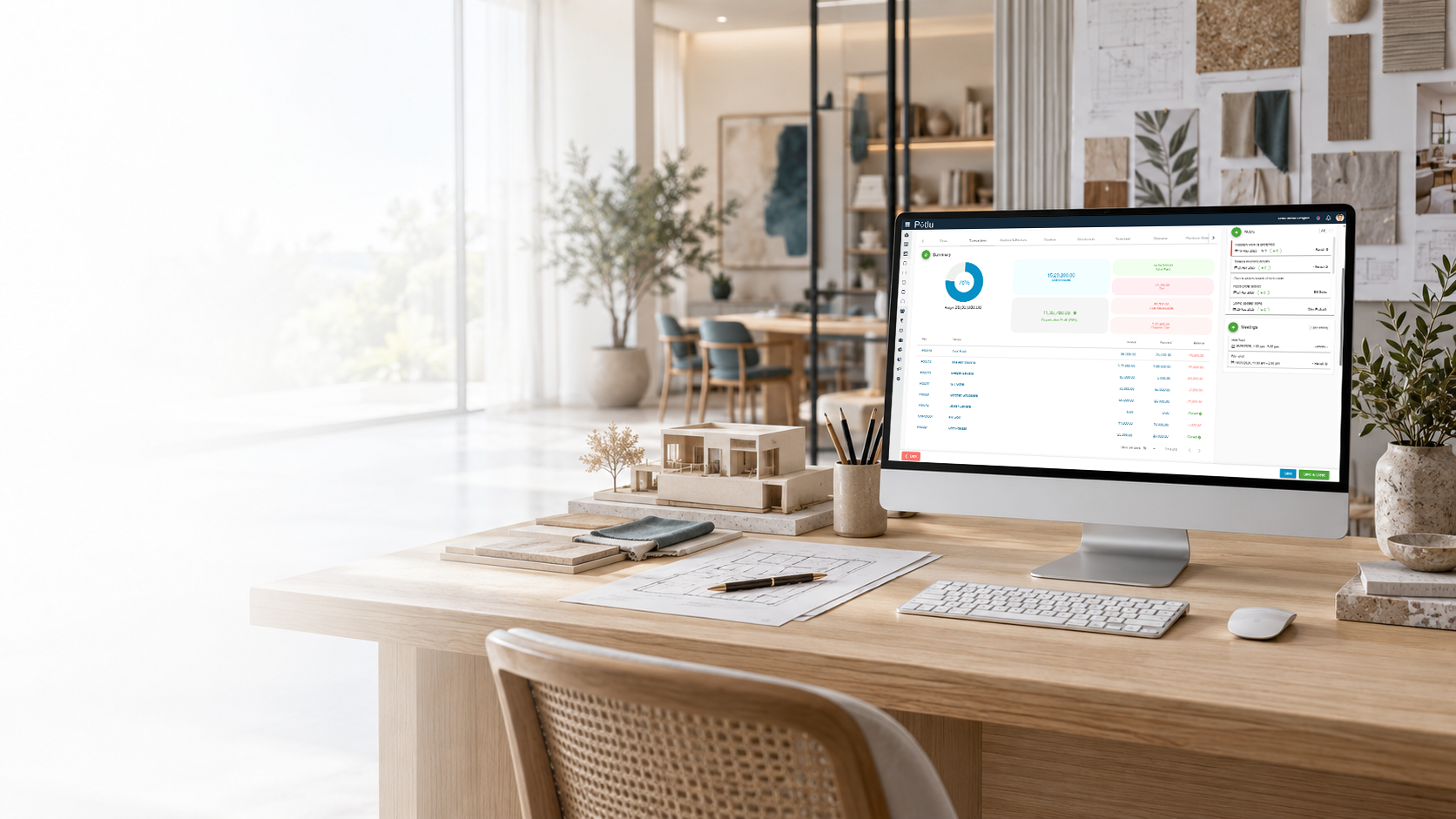
Interior Design Automation
Use Potlu to connect business information across enquiries, projects, purchasing and accounts. Keep the routine coordination behind your designs organised.

Get AI-powered answers across Potlu in multiple languages, with helpful follow-up suggestions and access that respects your permissions.
Studio work moves between clients, designers, site teams and suppliers. When each hand-off loses its context, even a simple update can take several conversations.
Potlu brings the business workflow together so your team has a shared place for project information, responsibilities and records.
Capture leads, client details and project requirements in a consistent place. Carry clear business context into proposals and project coordination.
Clients & quotationsUse project planning tools to organise tasks and schedules. Give the team a repeatable way to coordinate responsibilities and track progress.
Projects & tasksKeep material decisions, supplier details and purchase records together. Make information easier to find when selections move towards procurement.
Materials & purchasingReview budgets, invoices, expenses and reports alongside the work. Keep financial information organised for regular business review.
Accounts & cash flowUse permissions to define who can perform actions, and custom fields to capture details relevant to your studio. A connected workflow should support the way your team works.
Explore all featuresAsk about your business data, explore charts and continue through relevant follow-up suggestions. Some replies offer selectable options or a next-page action.
Explore SiaOne cloud application for desktop, tablet and mobile—from the studio to client meetings and site visits.

Bring your questions. Explore your workflow in a free guided demo.